TECHNICAL SEO // PERFORMANCE METRICS
Core Web Vitals: The Technical Foundation
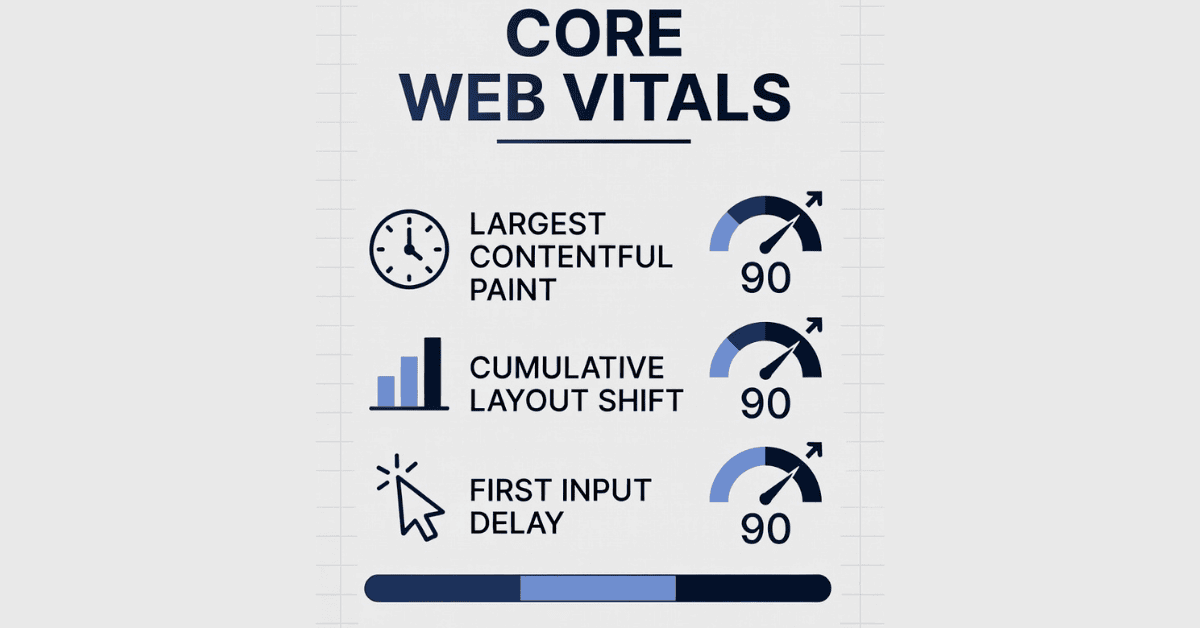
let's be real — in 2026, having a beautiful website isn't enough anymore. If it loads slowly, feels laggy when someone clicks around, or elements keep jumping around while users are trying to read or shop, people bounce faster than you can say "bad user experience." And Google? They notice. That's where Core Web Vitals come in — they're basically Google's way of scoring how "good" your site actually feels to real visitors.
These aren't just fancy tech terms; they're a core part of modern SEO. Sites that nail good Core Web Vitals tend to rank better, keep visitors longer, and convert more. Let's break it all down casually, including the latest as of late 2025/early 2026.
What Exactly Are Core Web Vitals?
Core Web Vitals are a set of real-user metrics (gathered from actual Chrome users via the Chrome User Experience Report) that focus on three key aspects of user experience:
- Loading performance
- Interactivity/responsiveness
- Visual stability
Google treats these as important signals in their ranking systems. They're not the only factor (content quality and relevance still rule), but when everything else is equal, faster + smoother sites win.
The current Core Web Vitals (updated and stable since the big change in 2024) are:
- Largest Contentful Paint (LCP) — How quickly the main content (like the hero image or big headline) becomes visible.
- Interaction to Next Paint (INP) — How fast the page responds when users click, tap, or type.
- Cumulative Layout Shift (CLS) — How much the page layout unexpectedly shifts while loading (you know, those annoying jumps that make you click the wrong thing).
Google measures these at the 75th percentile — meaning 75% of your real page loads need to hit the "good" zone for the page to pass overall.
Here are the official thresholds straight from Google (as confirmed in their latest docs, last updated December 2025):
- Good LCP → ≤ 2.5 seconds
- Good INP → ≤ 200 milliseconds
- Good CLS → ≤ 0.1
Anything in the "needs improvement" or "poor" range (e.g., LCP > 4s, INP > 500ms, CLS > 0.25) can hurt your rankings over time, especially on mobile where most traffic lives.
The Big Update You Should Know About: INP Replaced FID
Back in March 2024, Google made a major switch: they replaced the old First Input Delay (FID) with Interaction to Next Paint (INP).
Why the change? FID only measured the delay on the very first interaction and ignored a lot of other responsiveness issues (long-running JavaScript, heavy rendering, etc.). INP is smarter — it looks at all interactions during a page visit and gives a more complete picture of how snappy your site feels.
In 2026, INP is the responsiveness king. If your site has heavy third-party scripts, unoptimized JS, or long tasks blocking the main thread, INP will call you out. Many sites that passed FID easily now struggle with INP — so if you haven't optimized yet, it's time.
Why Should You Care in 2026? (Beyond Just SEO)
Sure, good Core Web Vitals help with rankings (Google has quietly raised the bar in recent core updates, making performance more decisive in competitive niches), but the real wins are:
- Lower bounce rates (people hate waiting)
- Higher engagement and time-on-site
- Better conversions — even 100ms faster can boost sales
- Happier users who actually come back
In competitive spaces, sites passing all three metrics consistently are pulling ahead, especially after refinements in late 2025 that made the scoring more sophisticated.
Quick Tips to Improve Your Core Web Vitals
No need to panic — most issues are fixable without rebuilding your entire site.
For LCP (speed up loading):
- Compress and properly size images (use modern formats like WebP or AVIF)
- Use a CDN
- Prioritize above-the-fold content
- Minify CSS/JS and defer non-critical scripts
For INP (make it feel instant):
- Break up long JavaScript tasks
- Reduce third-party script impact
- Optimize event handlers
- Use passive listeners where possible
For CLS (stop the jumps):
- Always set width + height attributes on images/videos
- Avoid inserting content above existing elements
- Use font-display: swap for web fonts
Start by checking your own site:
- Run PageSpeed Insights (free from Google)
- Look at the Core Web Vitals report in Google Search Console
- Use the web-vitals JS library for custom tracking
Wrapping It Up
Core Web Vitals aren't some optional nice-to-have in 2026 — they're the technical foundation of a site that Google (and your users) actually rewards. With LCP, INP, and CLS as the core trio, focusing here gives you better SEO, happier visitors, and a real edge over slower competitors.
If your Search Console shows red flags, don't wait. Small tweaks often make a big difference. Your users (and your rankings) will thank you.
Got questions about fixing a specific metric on your site? Drop them below — happy to geek out on this stuff!